Note
Go to the end to download the full example code.
Maximum Channels#
Compare a compact channel stack with a taller one using max_channels.
Capping the number of rendered channel planes keeps wide convolutional layers
legible without changing the model itself.
import matplotlib.pyplot as plt
import visualtorch
from torch import nn

model = nn.Sequential(
    nn.Conv2d(3, 128, kernel_size=3, padding=1),
    nn.ReLU(),
    nn.Conv2d(128, 256, kernel_size=3, padding=1),
    nn.AdaptiveAvgPool2d((1, 1)),
)
input_shape = (1, 3, 64, 64)

dpi = 150  # rendered at 2x this in the final doc build (savefig.dpi=300 in conf.py)
Compact Channel Stack#
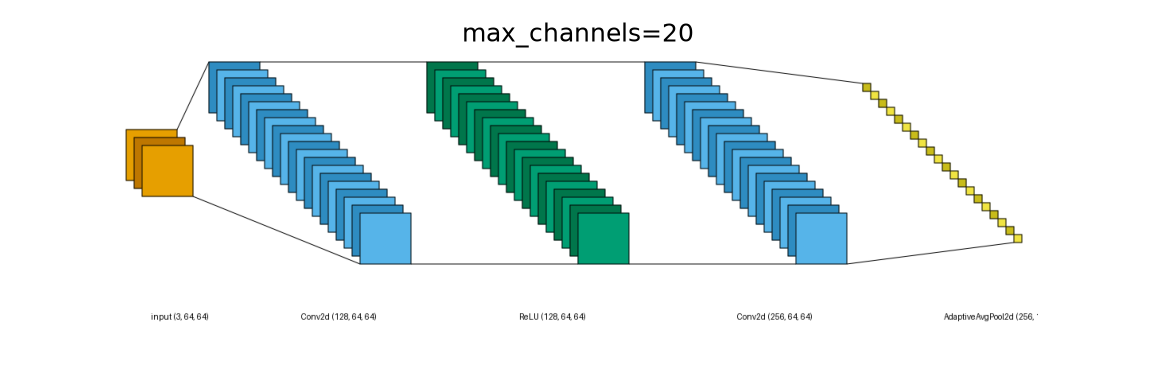
Limiting the stack to 20 planes keeps wide layers compact.
img_compact = visualtorch.render(model, input_shape=input_shape, style="lenet", max_channels=20)

plt.figure(figsize=(img_compact.width / dpi, img_compact.height / dpi), dpi=dpi)
plt.imshow(img_compact)
plt.title("max_channels=20")
plt.axis("off")
plt.tight_layout()
plt.show()
Default Channel Stack#
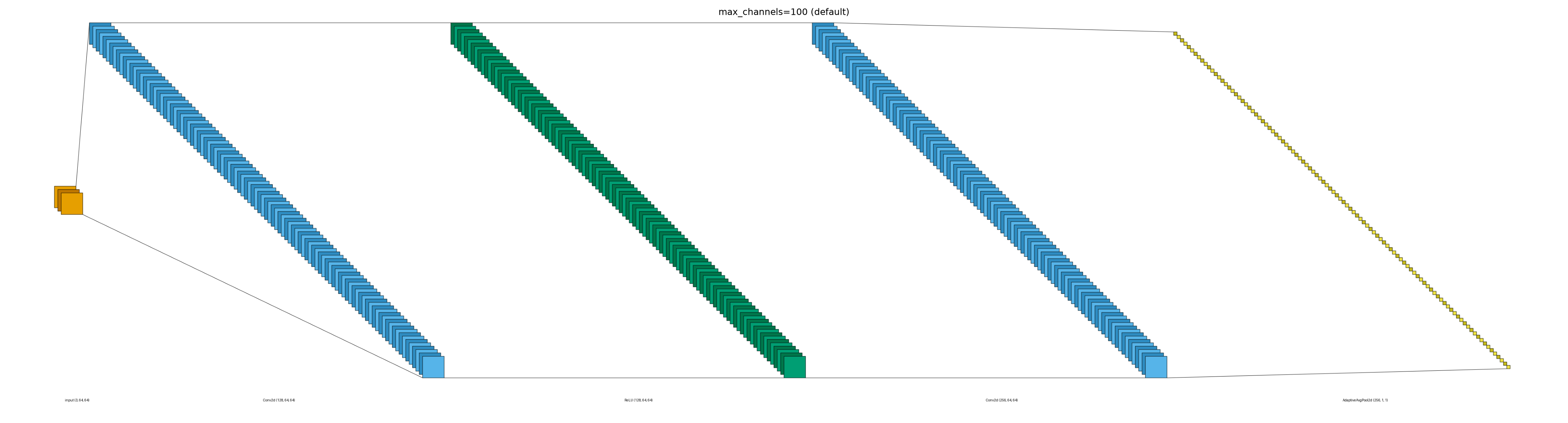
The default cap of 100 preserves a taller channel stack.
img_default = visualtorch.render(model, input_shape=input_shape, style="lenet")

plt.figure(figsize=(img_default.width / dpi, img_default.height / dpi), dpi=dpi)
plt.imshow(img_default)
plt.title("max_channels=100 (default)")
plt.axis("off")
plt.tight_layout()
plt.show()